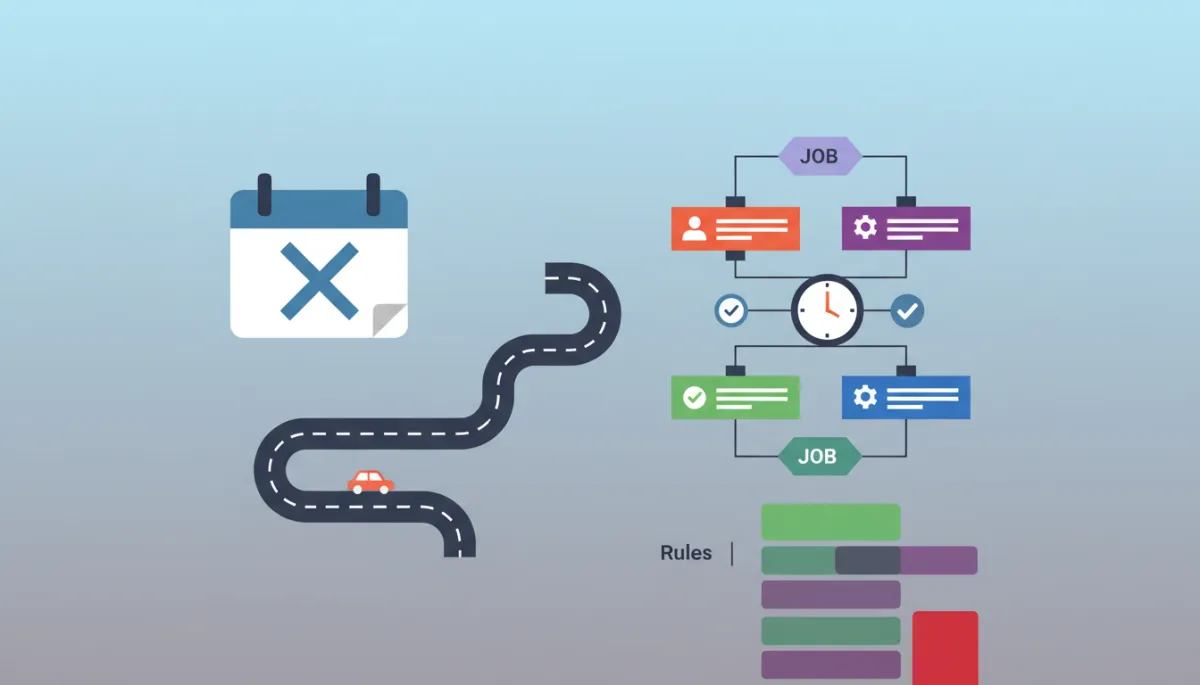
Avoid Calendar Chaos with Automated Scheduling
Scheduling, Automation, Operations
Why Automated Scheduling Gets Blamed For Problems Your Calendar Actually Caused
Automated scheduling doesn’t ruin your day. The invisible rules living in your team’s heads do—especially when your calendar only knows “busy” or “free,” and nothing about how work really happens in the field.
The “Perfect” Booking That Could Never Happen
Picture this. A commercial HVAC company gets a new booking through their website. The system checks the shared calendar, finds an open slot, and drops the job into Thursday at 2:00 p.m. It even sends a confirmation email within seconds. On paper, it’s flawless—fast response, happy prospect, full calendar.
In reality, it’s a slow-motion train wreck. That 2:00 p.m. slot is technically open, but it’s thirty-five minutes across town from the technician’s last job. The only person certified for this particular system works four tens and is actually off on Thursdays. The repair needs a specialty part that takes two days to arrive. And the work itself is a three-hour diagnostic and install, not a neat little one-hour visit. Technically valid. Operationally impossible.
By the time anyone notices, the customer has built their day around a visit that can’t happen. Now the office is juggling apologies, reschedules, and angry emails. The conclusion most teams jump to? “Automated scheduling doesn’t work for our business.” At Bot-Brand, we see this pattern every week—and we know that diagnosis is almost always wrong.
The Real Culprit: A Calendar That Only Knows Two States
Your calendar is a blunt instrument. It understands exactly two states: occupied and empty. That’s it. It has no concept of:
How long different job types truly take in the field
Where your team physically is or how long it takes to drive between jobs
Who is actually qualified, certified, or authorized for the work
What must happen before the visit—parts, approvals, inspections, deposits
How many of a given job type a real human can do in a real day
Every high-volume service business compensates for that missing intelligence with a human scheduler. That person runs a mental model on top of the calendar—an unwritten rulebook they apply in real time while they talk to customers, shuffle crews, and stare at colored blocks on a screen. When you “turn on automation” without encoding that model, you don’t get autonomous scheduling. You get a very fast way to make the same bad decisions, at scale.
📌 Key Takeaway: Automation isn’t broken. A binary calendar pretending to be a dispatcher is.
The Five Rules Your Scheduler Already Knows (But Your System Doesn’t)
When Bot-Brand audits a client’s scheduling chaos, we don’t start with software. We sit with the person who “just knows” how to book jobs without blowing up the day. Every time, their mental model reduces to five core rules—none of which live in a standard calendar:
1. Job length by type, not a one-hour default
Most online booking tools assume a default slot length—usually sixty minutes. But your world doesn’t run on sixty-minute units. A drain cleaning might be forty-five minutes. A roof inspection might be ninety. A full system install might be six hours with a crew of three. Your scheduler instinctively knows: “We never book a full install after 1:00 p.m.” Your calendar does not. Without job-type-specific durations, automation happily accepts work your team cannot physically complete in the time allotted.
2. Geography and drive time between jobs
A “free” 2:00 p.m. slot on the calendar looks identical whether it’s ten minutes down the road or across town in rush hour. Your dispatcher mentally overlays a map: “We can’t send her from the north side at 1:00 p.m. to the south side at 2:00 p.m.—that’s forty minutes of driving.” Automated systems that ignore geography create impossible days filled with theoretical visits and very real overtime.
3. Who is actually qualified to do the job
Not every technician, rep, or consultant is interchangeable. Some are licensed. Some are in training. Some handle only commercial accounts or only a specific product line. Humans quietly route complex or high-risk jobs to the right people. A basic calendar doesn’t care—it just sees “someone is free” and throws the job at them. The result: callbacks, failed inspections, and escalations that never needed to happen.
4. What has to happen before the visit
Many jobs are not “book and show up.” They depend on upstream steps: ordering parts, securing permits, confirming access, collecting deposits, or getting engineering approval. Your team knows not to book a compressor replacement for tomorrow if the part ships in two days. An untrained bot will gladly say “See you at 9:00 a.m.!” and push the problem onto your operations team later.
5. How many of each job type fit in a real day
There is a difference between theoretical capacity and human capacity. Your best technician might be able to handle three complex diagnostics in a day if nothing goes wrong and every customer is waiting at the door. In the real world, your scheduler quietly caps those jobs at two per day per tech. They build in buffer for traffic, surprises, and overruns. A naive automated system will overpack the day until the only way to keep promises is overtime—or cancellations.
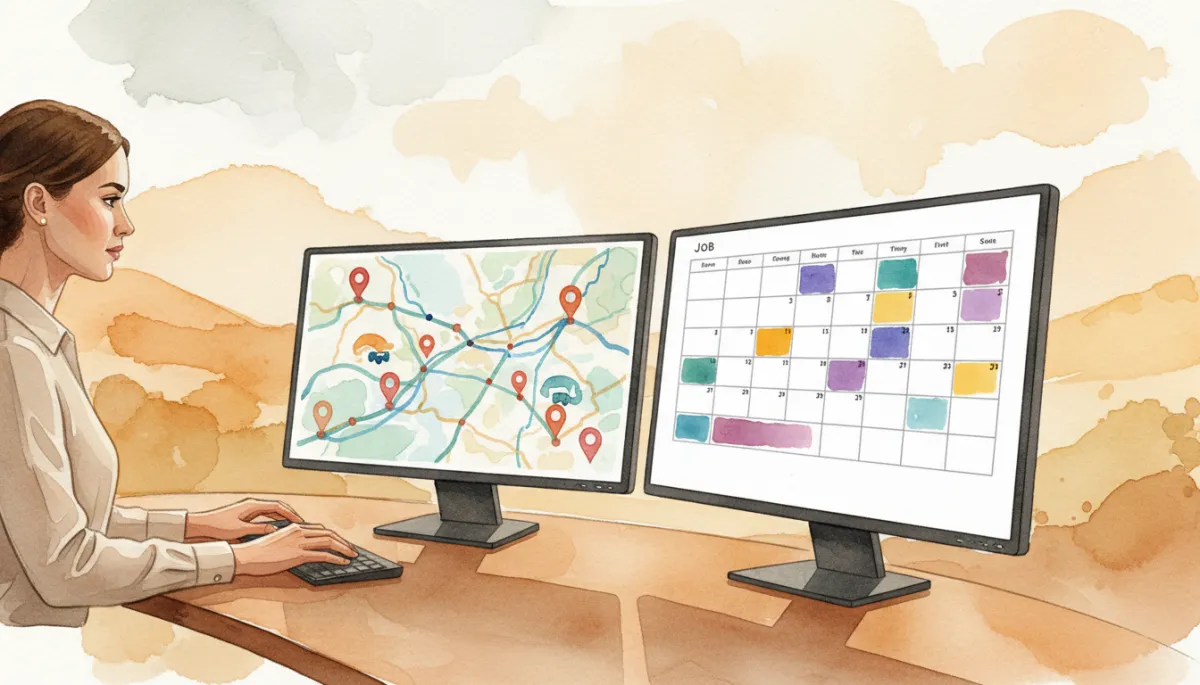
Your best dispatcher runs a complex rulebook in their head that software rarely reflects.
Why Automated Scheduling Gets a Bad Reputation
When businesses say, “We tried automated scheduling; it was a disaster,” what they usually mean is: “We pointed a simple calendar at a complex reality and hoped speed would cover for missing logic.” The system did exactly what it was told—fill empty slots—but it ignored the five rules your human scheduler lives by. Customers experienced last-minute reschedules, no-shows, or technicians arriving unprepared. Internally, it felt like chaos that had been automated.
The reputation problem isn’t that automation is reckless. It’s that most tools are deployed without an operational brain. Blaming “automation” is comforting, but it misses the point: your calendar was never a scheduling engine.
💡 Pro Tip: If your current setup can’t explain why it chose a slot, it’s not scheduling—it’s just filling gaps.
The Hidden Cost of “We’ll Confirm Your Request Shortly”
To protect themselves from impossible bookings, many businesses add a safety step: the “pending confirmation” message. The customer picks a time, the system logs a request, and a human later reviews, adjusts, or declines it. It feels safer, but it quietly destroys the main advantage automation was supposed to create.
Speed matters. In most high-intent service categories, the vendor who gives a firm answer first wins the job. A “we’ll confirm soon” message is not an answer. It’s a pause. While your team is manually checking calendars and routes, the competitor with a more intelligent system—or a more aggressive dispatcher—has already locked in the appointment. You’ve kept the expensive half of the work (human review) and thrown away the revenue advantage (instant commitment).
Bot-Brand’s clients often discover that their “pending confirmation” buffer is actually a bottleneck. It consumes dispatcher time, delays response, and still doesn’t prevent bad bookings if the reviewer is rushed or distracted. The business pays for human oversight without getting the certainty or the speed they were aiming for in the first place.
The Diagnosis Is Wrong: The Rules Are Missing, Not the Humans
When automated scheduling fails, it’s tempting to declare, “Our work is too complex to automate.” In our experience, the opposite is true. Your work is already automated—inside the brain of a few key people who apply the same rules, over and over, every day. The problem isn’t that the rules don’t exist. The problem is that they’re not written down, tested, or embedded in your systems.
That’s why Bot-Brand treats scheduling not as a “calendar integration” but as an architectural problem. Our Neural Intercept Protocol doesn’t just grab leads and drop them on a grid. It encodes your five rules, validates constraints in real time, and only offers customers slots that your operation can actually honor—without human review in the loop.
Your Real Project: Write the Rules Down
If you want autonomous scheduling that doesn’t torch your reputation, the project is not “turn on automated booking.” The project is: make your unwritten scheduling rules explicit. Before you change a single tool, sit down with your schedulers and answer five questions:
How long does each job type actually take in the field?
What geography and drive-time rules do you quietly enforce today?
Which people are qualified for which job types, accounts, or products?
What has to be true before a visit can be confirmed and dispatched?
How many of each job type can one person realistically handle per day?
Then, instead of trying to encode everything at once, start with the two rules your reschedules break most often. Maybe it’s drive time and part lead times. Maybe it’s job length and qualification. Those two failure modes are already costing you phone calls, refunds, and churn. Fixing them first will pay for the rest of the project.
📌 Key Takeaway: Your first automation milestone isn’t “no humans.” It’s “no surprises.”
From Calendar Chaos to Autonomous Infrastructure
Automated scheduling doesn’t deserve its bad reputation. What deserves it is the idea that a yes/no calendar, plus a “we’ll confirm later” disclaimer, is enough to run a high-velocity service operation. For businesses and agencies that live or die by response time and route density, the real opportunity is to turn your invisible rules into explicit logic and let AI enforce them consistently, 24/7.
Bot-Brand engineers that layer for you. We intercept leads the moment they arrive, qualify them with human-grade dialog, apply your operational rulebook, and only then write to the calendar. The result is what your team has always wanted: a schedule that fills itself, honors your constraints, and stops making promises your crews can’t keep.
If your “technically valid” bookings keep turning into operational fires, it’s time to stop blaming automation and start upgrading the architecture behind it. Initialize a Secure Uplink for an Architectural Audit and Systems Diagnostic with Bot-Brand, and let’s turn your calendar from a passive grid into a truly autonomous scheduling engine.