Optimize Customer Forms for Better Lead Generation
Customer Forms, Website Optimization, Lead Generation, User Experience, Business Websites, Form Design
The Oldest, Least Examined Asset on Your Website: The Customer Form That’s Quietly Repelling Revenue
Most businesses obsess over ads, branding, and copy—but ignore the silent gatekeeper that decides whether a motivated prospect becomes a qualified lead or disappears forever: the humble customer form.
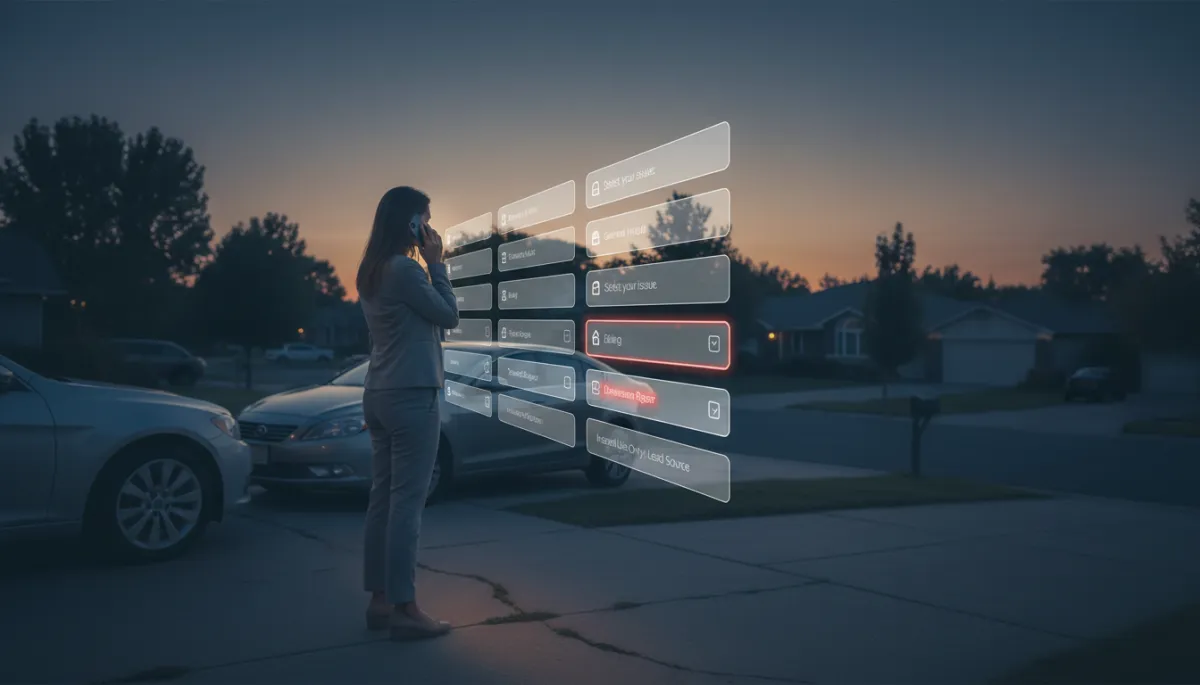
It is 6:15 in the evening. A customer is standing in their driveway, phone in one hand, keys in the other, staring at your customer form. Maybe their water heater is leaking. Maybe their fleet vehicle is down. They are motivated, slightly stressed, and trying to get help before dinner or bedtime routines start. They tap through your homepage, find the “Request Service” button, open your form—and meet eleven fields. Three minutes later, they lock their phone and walk back inside. Nothing on your Business Website is technically broken. Yet you lost the lead.
Every Field Is a Price You Charge Before Delivering Value
Most owners think of Customer Forms as neutral: a simple way to collect “what we need.” Bot-Brand approaches them differently. We treat every single field as a price you charge in attention, effort, and friction before the person has been given anything in return. Name, email, phone, address, service type, budget, “how did you hear about us?”—each one is a small invoice against their patience at exactly the moment they are least willing to pay it.
The mistake is not asking questions. The mistake is assuming the price is low just because you once paid it easily. Most owners and marketing teams tested the form once, at a desk, on a laptop, mid-morning, fully focused, and highly motivated to see it work. That is a completely different reality from a prospect on a phone in a driveway, in a parking lot, or on a noisy job site, trying to get help fast on a small screen with poor reception and competing priorities.
📌 Key Takeaway: What feels like a minor inconvenience at your desk often functions as a hard stop in the field.
The Two Worst Offenders in Modern Form Design
Across hundreds of high-volume service funnels Bot-Brand has audited, two patterns destroy User Experience and Lead Generation performance more than any others. They turn your form from a helpful intake into a quiet rejection engine—even when “nothing is broken.”
1. Dropdowns That Don’t Contain the Customer’s Actual Situation
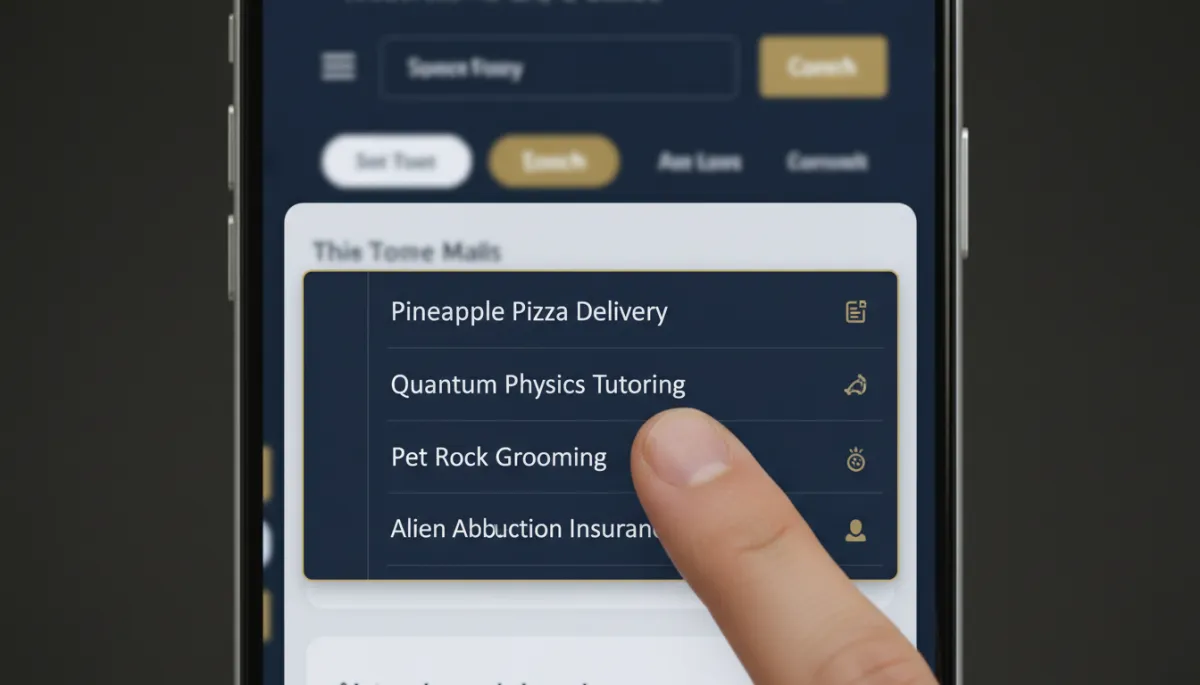
The customer opens a required dropdown and scans the options. None of them match what they are dealing with. Their issue is “water heater leaking onto garage floor,” and the options are “Install,” “Repair,” “Maintenance,” “Other.” Or they run a mixed-use property and see only “Residential” and “Commercial.” The form is telling them, subtly but clearly: We did not design this for you.
Photographic realistic close-up of a smartphone screen showing a service website dropdown menu...
When the form’s options don’t fit reality, qualified leads silently abandon instead of selecting “Other.”
In that moment, the “price” of answering jumps dramatically. They must either misclassify their need or pause and think through how to translate their real-world situation into your internal categories. Many simply don’t. They bounce, call a competitor, or decide to “deal with it tomorrow.” Your Website Optimization efforts elsewhere cannot compensate for a dropdown that makes people feel unseen.
2. Questions That Are Clearly for the Business, Not the Customer
The second offender is subtler but just as damaging: questions that obviously serve your reporting, routing, or sales curiosity more than the person asking for help. “Estimated annual spend?” “Number of employees?” “Preferred package tier?” “How did you hear about us?” At 6:15 p.m. in a driveway, none of these help them get a technician, a quote, or a dispatch any faster.
These questions may feel harmless to the business. To the prospect, they feel like a toll booth. They introduce doubt: Are they going to sell me something I don’t need? Am I about to get spammed? In the context of Form Design, they are pure friction with no perceived value exchange. They consume cognitive bandwidth that should be reserved for describing the problem and confirming contact details.
💡 Pro Tip: If a field only helps your internal dashboard and does not clearly help the customer get faster, better service, it belongs after the initial contact is secured—or not at all.
Long Forms Are Not Just Expensive—They Are Still Insufficient
Here is the deeper problem Bot-Brand sees in nearly every audit: even when a business “pays” for a long form with lower conversion rates, that form still fails to capture what actually determines how the job goes. It is both too much and not enough at the same time.
Photographic realistic overhead shot of a printed web form submission report next to a ringing...
Long forms often collect data no one uses, while the crucial detail is gathered later by phone.
A quick review of twenty recent submissions for most high-volume local service businesses usually reveals the same pattern:
Several fields are routinely left blank or filled with meaningless placeholders like “N/A” or “-”.
The data that truly determined scheduling, pricing, or job success was captured later in a manual phone call or email thread.
That follow-up call might clarify access constraints, equipment age, urgency level, or regulatory specifics—details that never fit cleanly into the fixed fields you designed. In other words, your longest, most “thorough” form is structurally incapable of doing the real intake work. It is a halfway measure that taxes prospects without delivering true operational clarity.
The Structural Limit of Fixed Forms on Business Websites
Why does this happen so consistently? Because a fixed form on a Business Website is forced to serve both simple and complex requests with the exact same questions. A clogged sink and a full-building re-pipe. A single vehicle service and a 40-unit fleet contract. A minor software bug and a full-system outage. One rigid set of fields has to cover all of it.
Photographic realistic split-screen of a simple one-line contact request on one side and a...
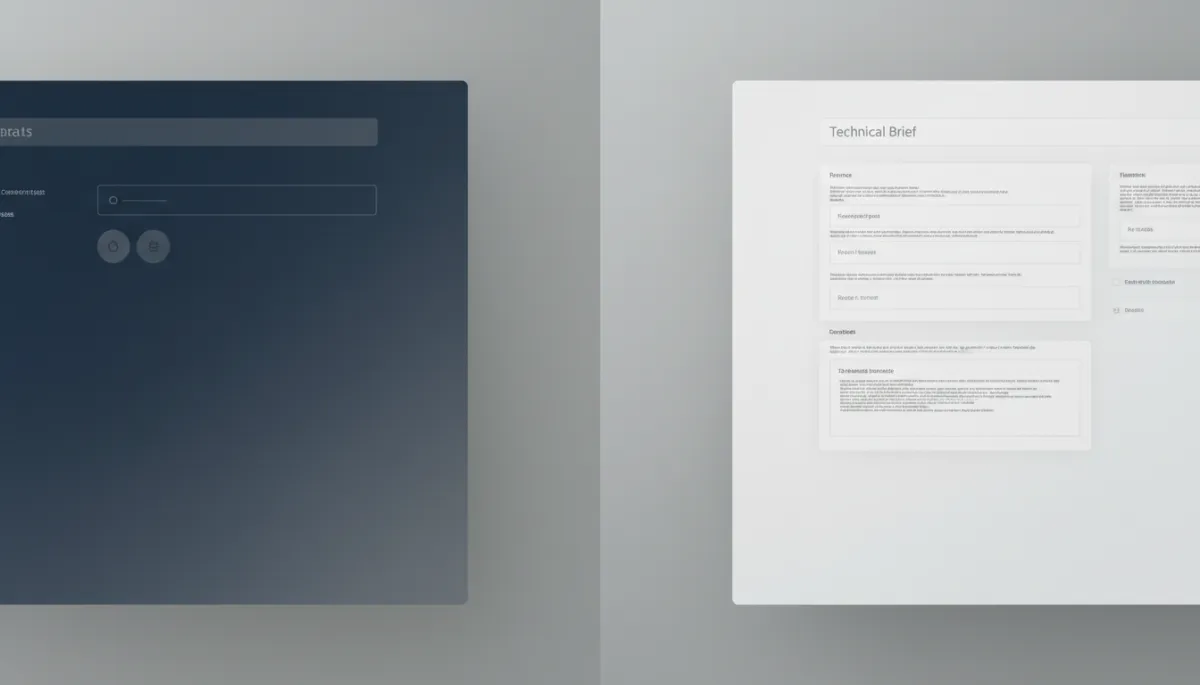
When simple and complex jobs share one fixed form, both segments experience friction and gaps.
To avoid missing something important, businesses add more fields “just in case.” But every additional field raises the price of completion for the simple cases that make up a huge portion of your volume. Meanwhile, even the expanded form cannot anticipate every nuance of the complicated jobs, so staff still need to call and clarify. The structure itself guarantees waste: either in lost leads, wasted time, or both.
What Changes When Questions Depend on Answers
The way out is not another redesign of the same static form. It is a structural upgrade: allowing questions to depend on answers in real time. This is where Bot-Brand’s Neural Intercept Protocol and autonomous AI infrastructure transform Customer Forms from static gates into adaptive conversations.

Photographic realistic view of a business owner looking at a laptop showing an adaptive...
Adaptive, AI-driven forms keep simple journeys short while expanding intelligently for complex requests.
When questions are conditional and logic-driven, three powerful shifts occur:
Simple requests stay simple. If a customer selects “Emergency leak” and indicates “Single-family home,” the system can ask only what is essential to dispatch quickly: contact, address, immediate safety concerns, and access notes. No extra qualifiers, no irrelevant business questions.
Complex requests unfold gradually. If a prospect chooses “Multi-site commercial contract” or “Custom integration,” the logic tree expands, asking targeted follow-ups about scope, systems, constraints, and timelines—mirroring the way a skilled human intake specialist would probe, but without requiring a live agent.
Perceived price matches perceived value. Because each new question clearly responds to what the customer just said, the “price” of answering feels justified. They experience your form as a tailored consultation, not a generic questionnaire.
📌 Key Takeaway: Conditional, AI-driven Form Design turns your lead capture into a dynamic interview—short for the straightforward, deep for the complex, and always relevant.
What Must Hold True After the Customer Hits “Submit”
A sophisticated, adaptive form is only half of the equation. The real promise of autonomous AI infrastructure is realized after the customer submits. For your Website Optimization and Lead Generation to compound, three conditions must hold consistently:
Instant, context-aware acknowledgment. The customer should receive immediate confirmation that reflects what they actually said, not a generic “We received your request.” If they indicated an emergency, the response should reference urgency. If they requested a complex proposal, the message should outline next steps and expected timelines.
Autonomous routing and synchronization. Internally, the data must flow without human bottlenecks. Bot-Brand’s Neural Intercept Protocol ensures that submissions are automatically classified, prioritized, and synchronized into your CRM, dispatch, or ticketing systems with zero manual re-entry. The right team sees the right context instantly.
Closed-loop learning. Finally, your system should learn from outcomes. Which questions correlated with profitable jobs, quick resolutions, or churn? Which fields are rarely used or consistently ignored? Autonomous infrastructure allows you to refine the question logic continuously, lowering the “price” of your form while increasing the precision of your intake.
Turning Your Oldest Asset into a Neural Lead-Capture Engine
That eleven-field form sitting quietly on your Business Website is not a minor detail. It is one of the oldest, least examined assets you own—and one of the most leveraged. It decides, every day, whether a customer in a driveway at 6:15 p.m. becomes a booked job or a lost opportunity. When you treat each field as a price, eliminate dropdowns that misrepresent reality, remove questions that only serve the business, and replace static structures with adaptive, answer-dependent logic, your form stops repelling revenue and starts compounding it.
Bot-Brand exists to engineer that transformation. We design and deploy AI-driven Customer Forms, autonomous voice and chat agents, and high-end landing page infrastructure that intercepts, qualifies, and synchronizes leads with no human intervention. The result is not just better User Experience—it is a 24/7 neural lead-capture engine that aligns every question you ask with the value your prospect expects in return.
If you are ready to retire the static form that has been quietly taxing your best prospects for years, it is time to see what an autonomous, logic-driven intake system can do for your operation. Initialize a Secure Uplink for an Architectural Audit and Systems Diagnostic, and let Bot-Brand map the path from outdated form friction to precise, always-on lead interception.